Do you use AIM, Yahoo Instant Messenger, or ICQ just to name a few? Or do you use more than one Instant Message program?
Well, if you do then you've probably noticed the unintentional installation of tool bars, and web browser changes such as the preferred search engine you like, and the advertisements in the software.
On top of all this, if you use more than one IM program, chances are they all try to load and connect at the same time you turn on your computer unless you've set them all to not do this, also considering the memory usage of each program installed, but most people don't do either....you know who you are. 

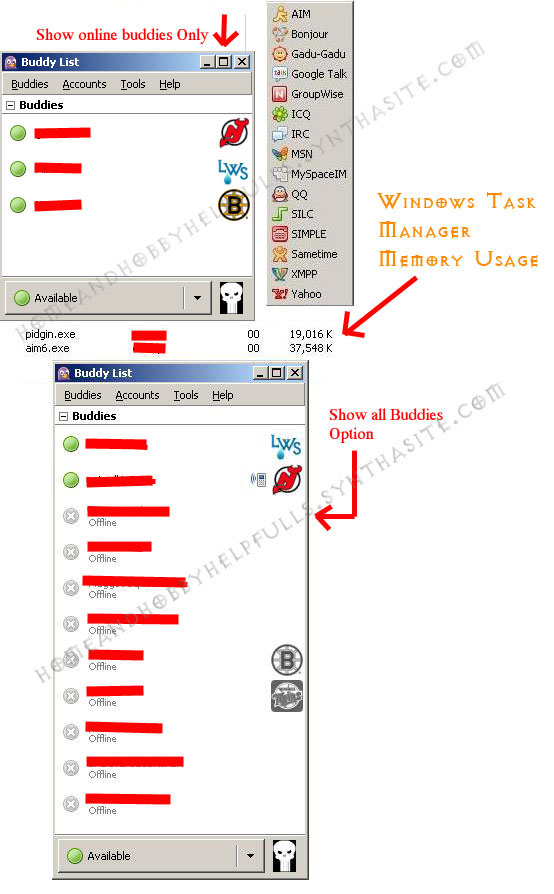
Thankfully there is a way to solve all these issues with Pidgin. With Pidgin you can be on MSN Chat and receive IM's from ICQ, Yahoo Instant Messenger and/or whatever other messaging programs you may have.
Pidgin currently supports the following:
2 Bonjour
3 Gadu-Gadu
4 Google Talk
5 Groupwise
6 ICQ
7 IRC - Internet Relay Chat
8 MSN
9 MySpaceIM
10 QQ
11 SILC
12 SIMPLE
13 Sametime
14 XMPP
15 Yahoo! - YIM - Yahoo Instant Messenger
16 Zephyr
There are a number of Pidgin Plugins you can add also.
Just to name a few Facebook IM, XFire and Twitter.
Also works with Linux